 PureView
Only approved channels. None of the rabbit holes.
PureView plays YouTube videos from one list of channels our curators picked, and nothing else. You set the PIN, the age and which kinds of channels show.
Download on theApp StoreiPhone and iPad. Android is coming soon. Get a note when it's out
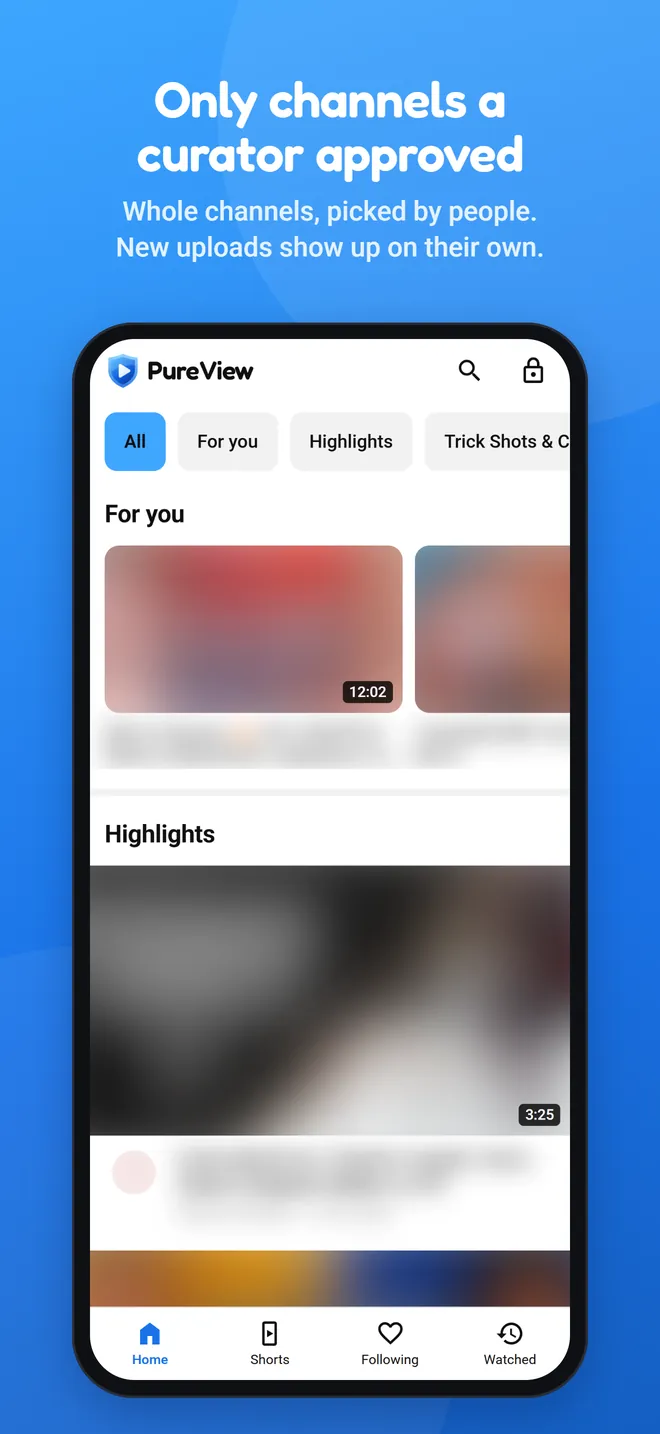
Search stays on the list
Search only finds videos from approved channels. It never opens up the rest of YouTube.
No suggestions to fall into
When a video ends, YouTube's suggestions don't stay on screen. The next approved video plays instead.
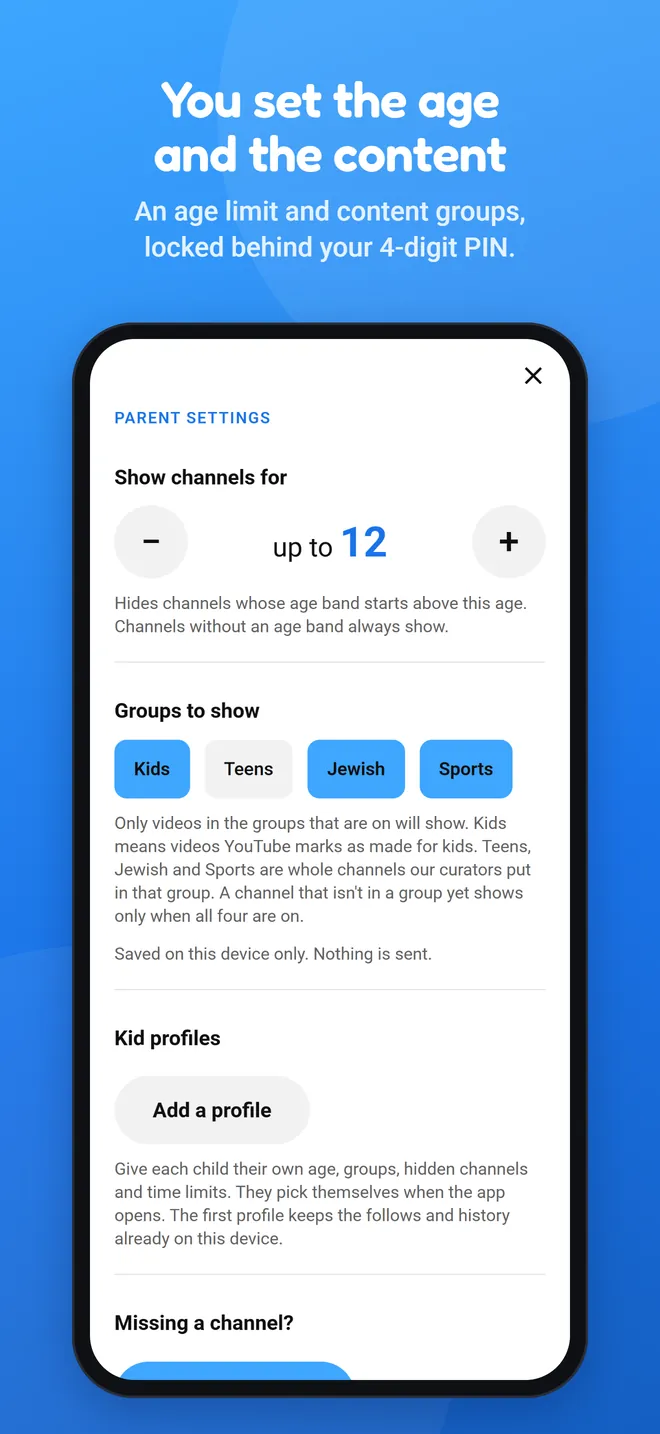
You hold the settings
A 4-digit PIN guards every setting. Pick an age, and pick which kinds of channels show, like Sports or Jewish.
Nothing to post
No comments, no YouTube sign-in, no way to upload. Just watching.
How the channel list works
We pick whole channels, not single videos. Once a channel is in, its new uploads show up on their own.
That means nobody watches every video before it appears. It's not a guarantee, so stay involved and see what's playing.
If something looks wrong, send us feedback from inside the app and we'll look at the channel. If we pull a channel, its videos leave the app.
Missing a channel you like? Request it from Parent settings.
Free and Premium
- Watch every approved channel. No sign-up.
- With a free parent login: the PIN, the age setting and content groups.
- Request a channel, send feedback.
- A profile for everyone at home, each with its own age and channels.
- Daily time limits, and the hours videos can play.
- Block Shorts and hide any channel, separately for each profile.
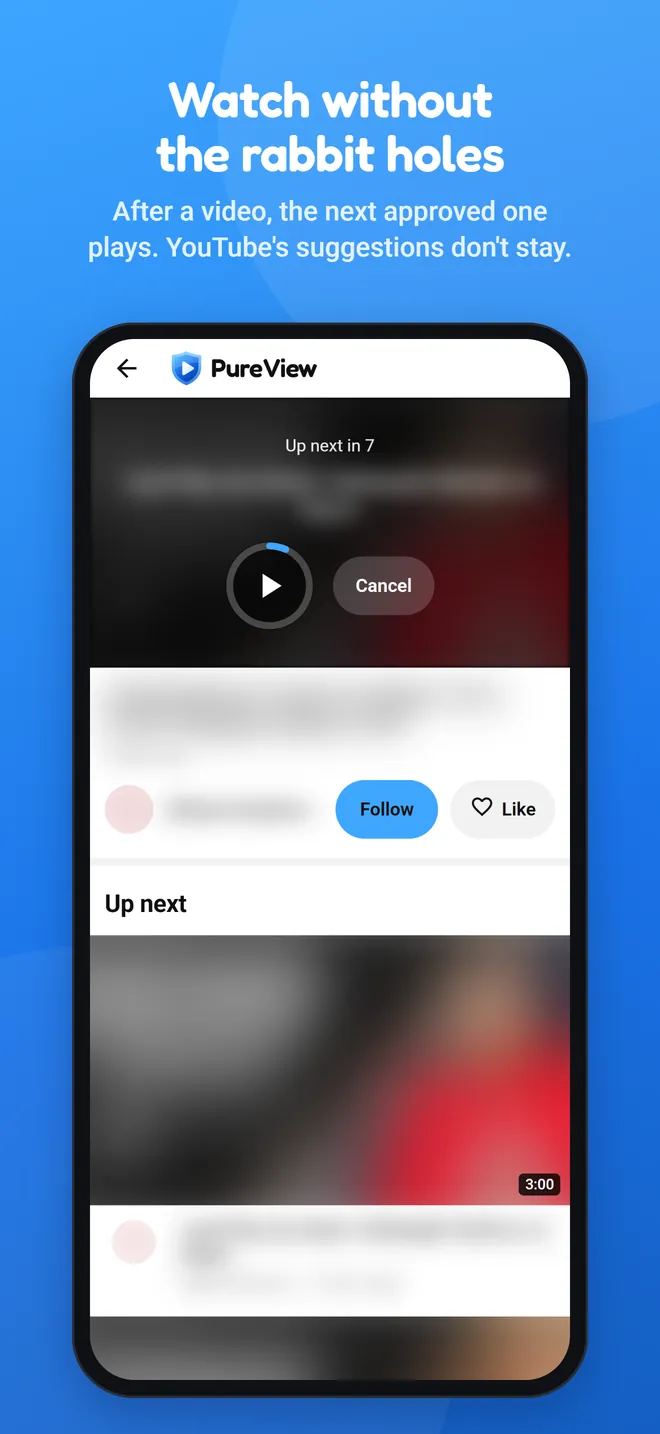
After a video, the next approved one plays. YouTube's suggestions don't stay.
Questions
Is every video checked?
No. Curators approve whole channels, and new uploads from those channels show up without anyone watching them first. That's why we tell every parent to stay involved. If you see something that doesn't belong, tell us in the app.
Who picks the channels?
A small team of curators. You can request a channel from Parent settings.
Is it free?
Yes, watching is free. An optional Premium plan adds extra parent controls.
Are there ads?
PureView doesn't put any ads in. YouTube can show its own ads inside its player, and we can't remove those.
Can someone get from PureView to the rest of YouTube?
Search and "up next" stay inside the approved list. YouTube's own links inside the player, like the video title or "Watch on YouTube", open YouTube outside PureView. Screen Time can block the YouTube app and website and stop PureView from being deleted without you.
Who is it for?
Parents. You set it up and decide what plays on each device in your home.
What do you keep about my family?
The parent settings live on the device. Our privacy page lists exactly what the app sends and what we keep.
When is Android coming?
Soon. Email us and we'll send one note when it's out.
Is this made by YouTube?
No. PureView isn't made or endorsed by YouTube or Google.
Android is coming soon
Email us and we'll send you one message when it's out. That's all we use it for.
Email me when it's out